Applications get lost
Spreadsheets and browser tabs make it hard to remember where you applied and what happened next.

Save roles, create tailored resumes and cover letters, and keep your job search moving without losing track of next steps.
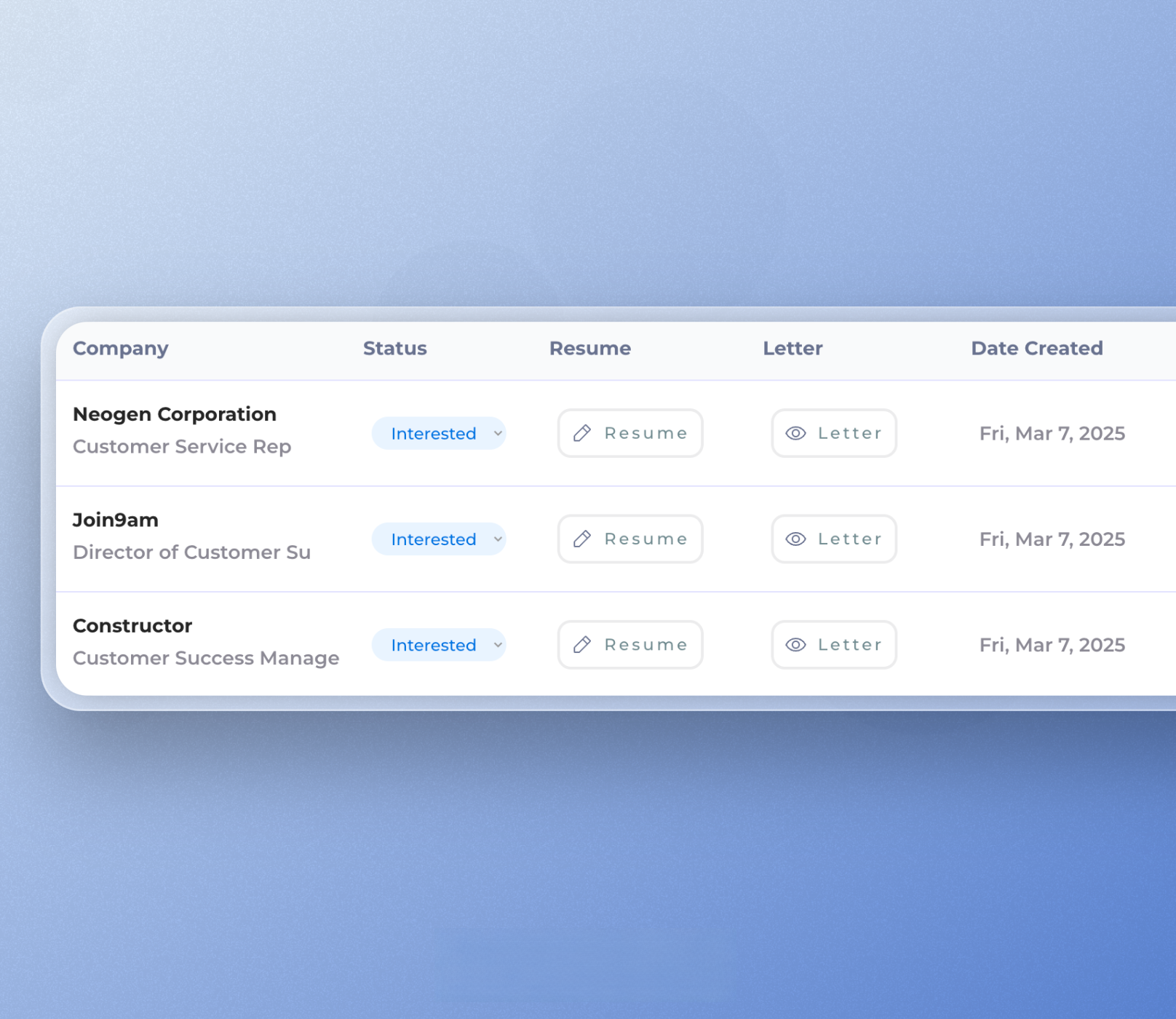
Spreadsheets and browser tabs make it hard to remember where you applied and what happened next.
When every role lives in a different place, important follow-ups are easy to miss.
A tracker tied to your application kit keeps resumes, cover letters, and role details together.
Paste a job link or description and keep the opportunity in your workspace.
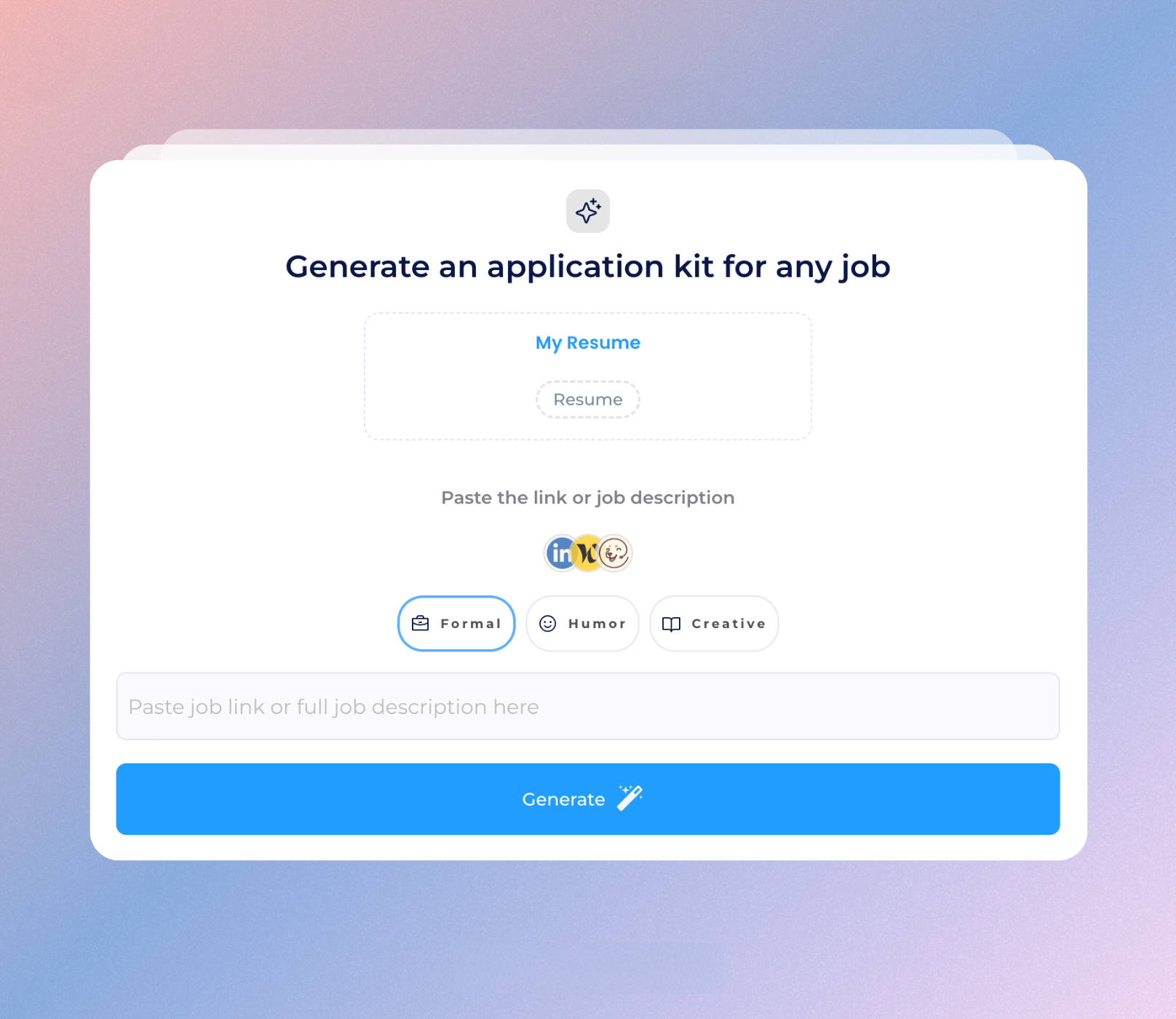
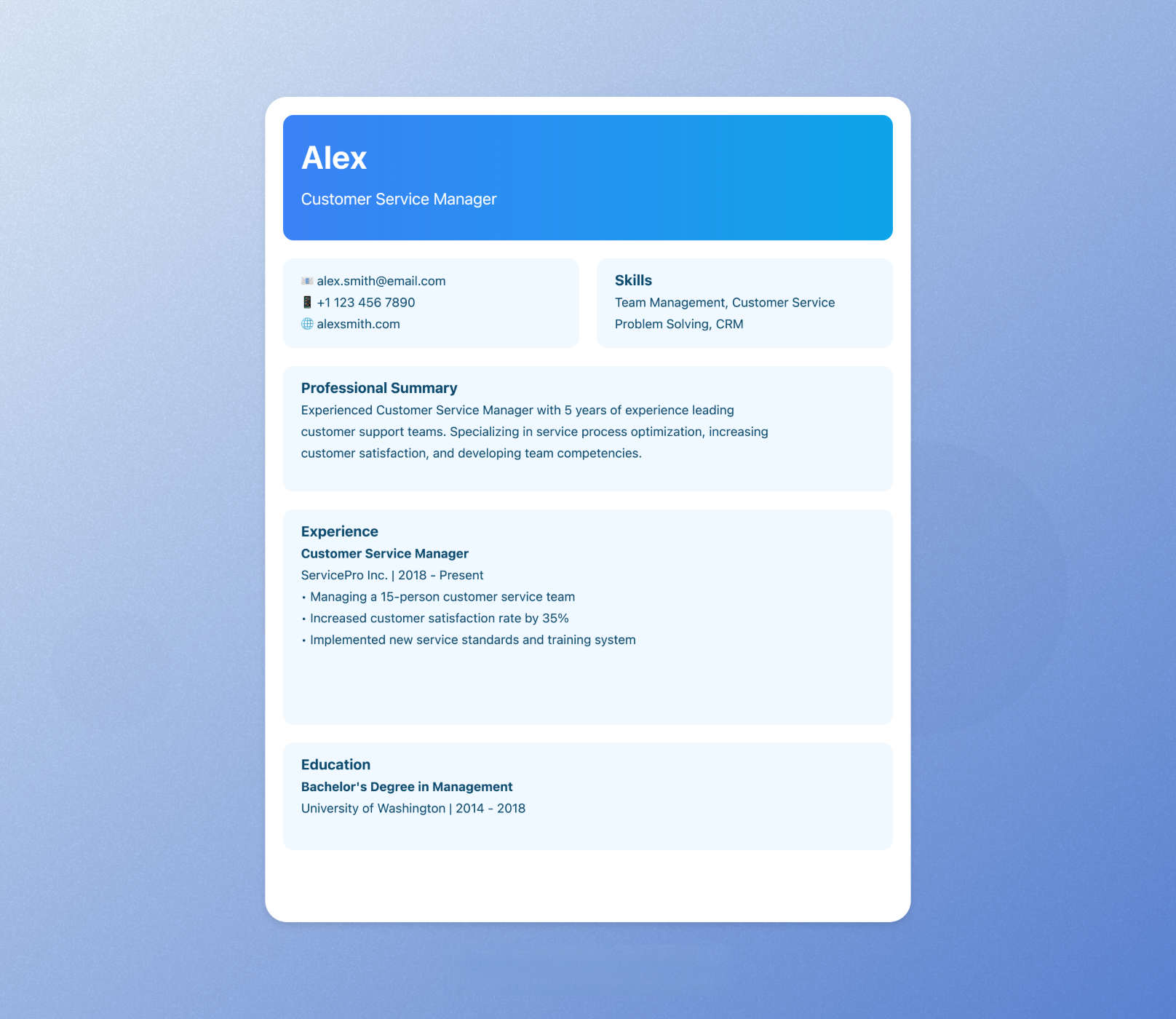
Generate a resume and cover letter matched to that specific role.
Manage each application from saved to applied, interview, offer, or closed.
Keep every opportunity, job description, and application status together.
Create role-specific resumes and cover letters from the tracker.
Know what is saved, applied, interviewing, and waiting for follow-up.
Spend less time maintaining rows and more time applying well.
Use roles from LinkedIn, Indeed, company pages, and more.
Turn a messy search into a repeatable application workflow.
It is a workspace for saving jobs, tracking application status, and keeping related resumes, cover letters, and notes organized.
A spreadsheet can track status, but Jobcamp also helps create tailored documents and keeps each role connected to the application kit.
Yes. You can use roles from LinkedIn, Indeed, company career pages, and other job sites.
No. Jobcamp helps you prepare and organize applications, but you stay in control of when and where you apply.
Yes. Add the job description, then generate tailored application materials for that role.
Yes. You can start free and upgrade when you need more credits.
Track roles, tailor documents, and move faster from saved job to submitted application.
Start tracking for free